
Phone, tablet and Chromebook
Night Nabbers is a 3D game that runs in the web browser, so the same game plays on an iPhone or Android phone, an iPad or Android tablet, a Chromebook, a Mac or a Windows PC. There is nothing to download and no account to make.
Free in your browser. No download, no sign-up.
Play now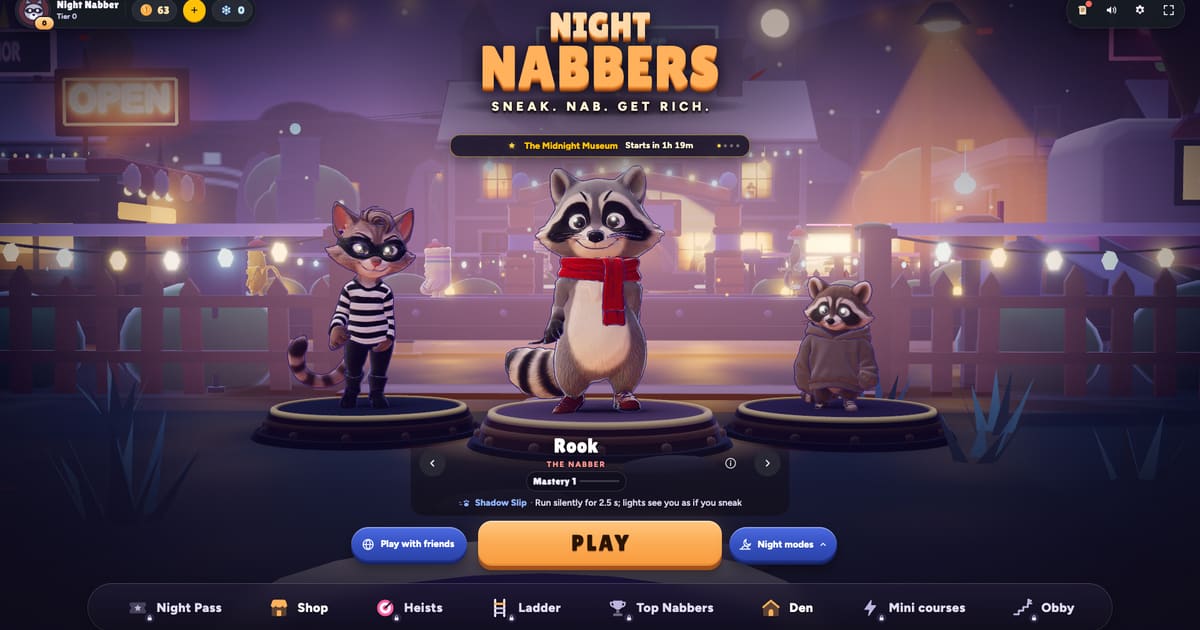
Step by step
- Open the game. Go to nightnabbers.com/play in Chrome, Safari, Edge or Firefox. It loads in seconds and keeps your raccoon on that device.
- Install it if you like. On Android and Chromebook the game offers “Install Night Nabbers”: Add the game to your home screen: full screen, quick to open, plays even offline. On iPhone and iPad: Tap the Share button in Safari's toolbar. Choose "Add to Home Screen", then tap Add.
- Pick your controls. Touch, keyboard and a gamepad all work, and you can switch between them at any time. Phones play in portrait or landscape.
Touch controls on phones and tablets
Settings has a Touch section:
- Joystick: Fixed (stays at its spot in the corner; push from anywhere nearby) or Floating (appears wherever your thumb lands).
- One-thumb mode: Drag anywhere to move and nabs start by themselves.
- Left-handed layout: Joystick on the right, buttons on the left.
- Button size, Joystick size and Vibration (a very light tap on presses, nabs and banks).
Every key and button is listed in the controls guide.
Chromebooks and school laptops
A Chromebook runs the game in Chrome like any other website, with the keyboard and the touchpad or a mouse. Many Chromebooks also have a touch screen, and the touch controls work there too. On a slower machine, set Graphics quality to Auto or Low (see below).
Battery and smooth play
- Graphics quality: Auto picks the tier your device holds at a smooth frame rate. Low saves battery.
- Frame rate: 30 saves battery and keeps phones cool.
Keep your raccoon on every device
Your progress saves on the device you play on. To carry it to a phone, a tablet and a computer, use Back up with an email in the game (your raccoon can be restored on any device with the email you used). On a new device, choose Already backed up? Restore here.
Frequently asked questions
Can I play Night Nabbers on my phone?
Yes. It runs in the phone's browser in portrait or landscape, and you can add it to your home screen like an app.
Does Night Nabbers work on a Chromebook?
Yes. Open nightnabbers.com/play in Chrome. Keyboard, touchpad, mouse, touch screen and gamepad all work.
Do I need to download anything?
No. The game plays in the browser. Installing it to the home screen is optional.
Can I play with friends on other devices?
Yes. A phone, a tablet and a laptop can share one street of up to 16 players. See <a href="/guides/play-with-friends">play with friends</a>.